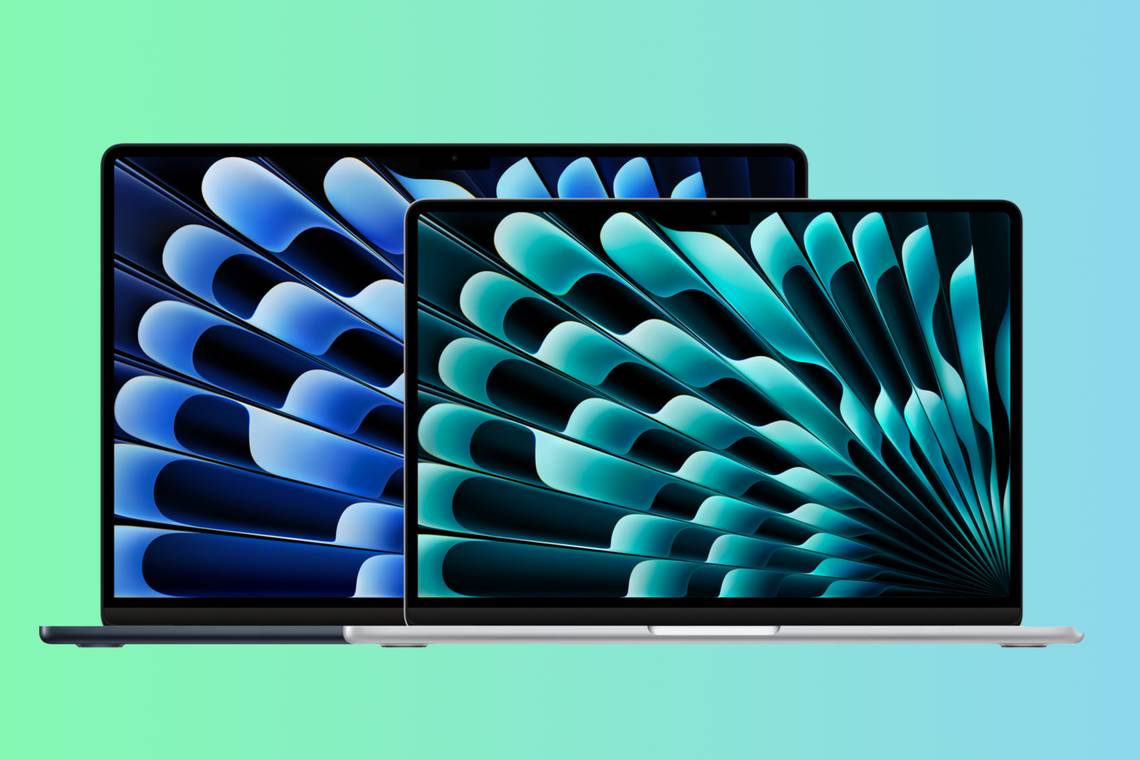
In a move that continues to shape the landscape of consumer laptops, Apple has announced the arrival of the new MacBook Air series equipped with the powerful M3 chipset. Offering improved performance, enhanced graphics capabilities, and support for Wi-Fi 6E, the M3 MacBook Air is set to redefine the user experience. In this comprehensive FAQ guide, we’ll explore the key features, specifications, and implications of Apple’s latest MacBook Air release.
1. What are the key features of the new M3 MacBook Air?
The M3 MacBook Air boasts several notable features, including:
- M3 Chipset: The highlight of the release, the M3 system-on-a-chip, promises faster performance and significant graphical improvements.
- Wi-Fi 6E Support: Stay connected with the latest in wireless technology, ensuring faster and more reliable internet connectivity.
- Multiple External Monitors: The M3 MacBook Air introduces the ability to power two external monitors simultaneously, a first for base-model Apple Silicon computers.
- 16-core Neural Engine: Positioned as the “world’s best consumer laptop for AI,” the M3 MacBook Air houses a 16-core Neural Engine for AI-related tasks.
- Diverse Color Options: Available in Silver, Starlight, Space Gray, and Midnight, offering users a range of aesthetic choices.
2. How does the M3 Chipset enhance performance?
The M3 chipset brings substantial improvements to graphical performance, with up to 60% faster speeds than its predecessor, the M1 MacBook Air. Apple claims that the M3 MacBook Air is up to 13x faster than the fastest Intel MacBook Air. The chipset supports hardware-accelerated mesh shading and ray tracing, elevating the graphical capabilities to new heights.
3. What is the significance of the 16-core Neural Engine?
The M3 MacBook Air is hailed by Apple as the “world’s best consumer laptop for AI” due to its 16-core Neural Engine. This engine facilitates local AI models and generative AI tasks, even though macOS Sonoma may not have extensive first-party AI features yet. Apple highlights third-party apps like Pixelmator Pro and CapCut as examples of AI functionality on the M3 MacBook Air.
4. What improvements does the M3 MacBook Air bring to external displays?
For the first time in a base-model Apple Silicon computer, the M3 MacBook Air supports native display output to two external displays simultaneously. However, it’s essential to note that this functionality is only available when the laptop’s lid is closed.
5. What are the specifications of the M3 MacBook Air?
Here are some key specifications of the M3 MacBook Air:
- Operating System: macOS Sonoma
- CPU: 8-core CPU (Apple M3)
- GPU: 8-core or 10-core GPU (Apple M3)
- RAM: 8GB, 16GB, or 24GB
- Storage: 256GB, 512GB, 1TB, or 2TB
- Battery: Up to 18 hours
- Connectivity: Wi-Fi 6E (802.11ax), Bluetooth 5.3
- Ports: MagSafe 3 charging port, 3.5mm headphone jack, 2x Thunderbolt / USB 4 ports
6. How does the M3 MacBook Air impact pricing and availability?
The 13-inch M3 MacBook Air starts at $1,100, maintaining the same price point as the outgoing model. The 15-inch version similarly starts at $1,300. The laptops are available for pre-order starting today, with wide availability for purchase scheduled for Friday, March 8. Students and educators can enjoy a $100 discount on the M3 MacBook Air through Apple’s education store.
Conclusion
Apple’s announcement of the new MacBook Air with the M3 chipset marks another significant leap in the evolution of consumer laptops. The blend of improved performance, enhanced graphics capabilities, and support for emerging technologies like Wi-Fi 6E positions the M3 MacBook Air as a compelling choice for users seeking cutting-edge features. As we anticipate user experiences with this latest release, feel free to share your thoughts or additional questions in the comments section below. Your engagement adds valuable perspectives to the ongoing conversation about the future of computing.
 Newspulse
Leave a comment